
Creating Digital Elevation Models
By default WebODM does not create digital elevation models (DEMs). To create a digital terrain model, make sure to pass the --dtm flag. To create a digital surface model, be sure to pass the --dsm flag.
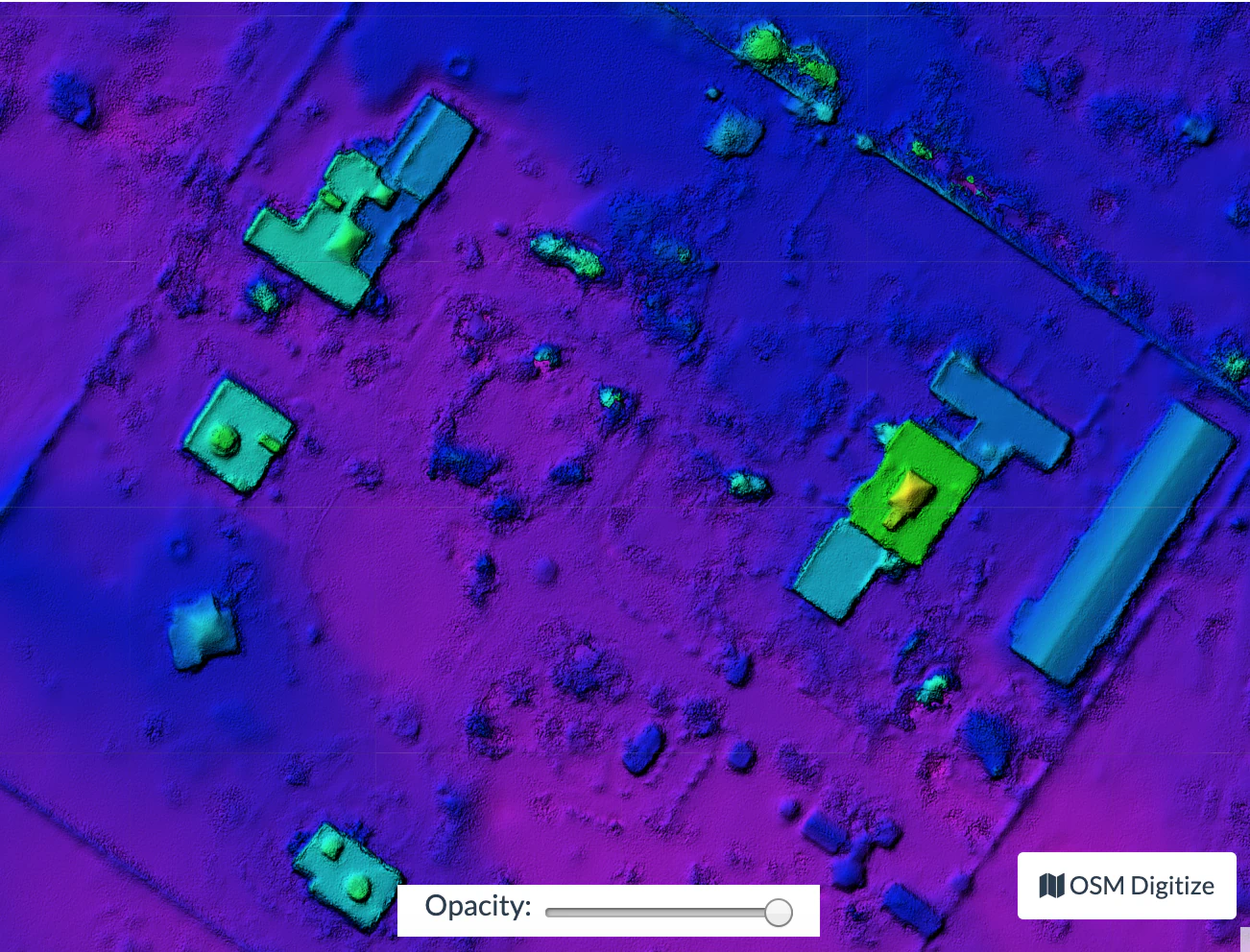
For DTM generation, a Simple Morphological Filter (smrf) is used to classify points in ground vs. non-ground and only the ground points are used. The smrf filter can be controlled via several parameters:
--smrf-scalarscaling value. Increase this parameter for terrains with lots of height variation.--smrf-slopeslope parameter, which is a measure of “slope tolerance”. Increase this parameter for terrains with lots of height variation. Should be set to something higher than 0.1 and not higher than 1.2.--smrf-thresholdelevation threshold. Set this parameter to the minimum height (in meters) that you expect non-ground objects to be.--smrf-windowwindow radius parameter (in meters) that corresponds to the size of the largest feature (building, trees, etc.) to be removed. Should be set to a value higher than 10.
Changing these options can affect the result of DTMs significantly. The best source to read to understand how the parameters affect the output is to read the original paper An improved simple morphological filter for the terrain classification of airborne LIDAR data.
Overall the --smrf-threshold option has the biggest impact on results.
SMRF is good at avoiding Type I errors (small number of ground points mistakenly classified as non-ground) but only “acceptable” at avoiding Type II errors (large number non-ground points mistakenly classified as ground). This needs to be taken in consideration when generating DTMs that are meant to be used visually, since objects mistaken for ground look like artifacts in the final DTM.
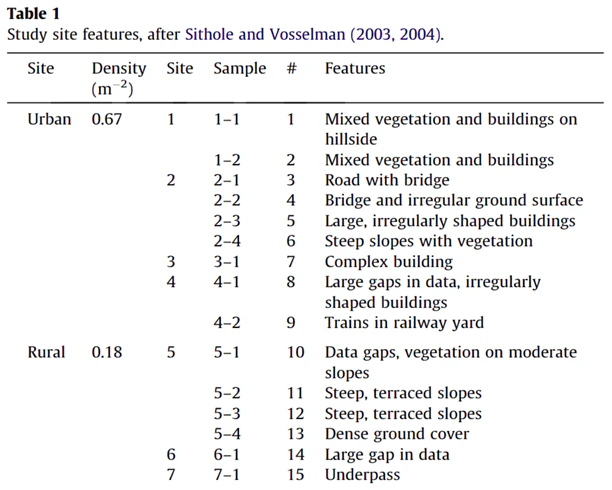
Two other important parameters affect DEM generation:
--dem-resolutionwhich sets the output resolution of the DEM raster (cm/pixel)--dem-gapfill-stepswhich determines the number of progressive DEM layers to use. For urban scenes increasing this value to4-5can help produce better interpolation results in the areas that are left empty by the SMRF filter.
Example of how to generate a DTM:
docker run -ti --rm -v /my/project:/datasets/code <my_odm_image> --project-path /datasets --dtm --dem-resolution 2 --smrf-threshold 0.4 --smrf-window 24